Profile Deletion Process
Clicking on the Delete Profile option in the sidebar initiates the profile deletion process.
Deleting a profile is irreversible. Ensure you understand that all associated data will be permanently lost.
Step 1: Confirmation Prompt
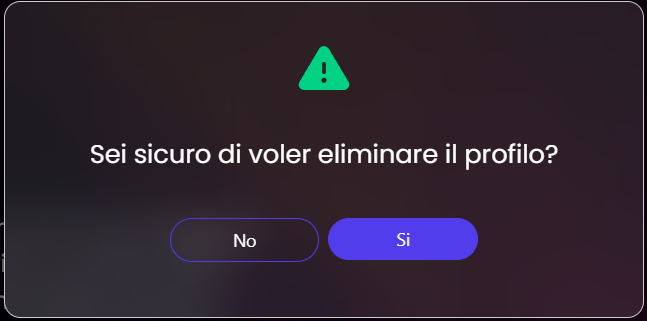
A confirmation dialog will appear with the message: “Are you sure?”
Select No to cancel and return to the profile page. Select Yes to proceed with the deletion process.
Step 2: Final Confirmation
If you proceed, a second prompt will require additional confirmation:
You must type the indicated word in the input box to finalize the deletion. The dialog explicitly states that all the data will be lost, to emphasize the impact of this action.
Step 3: Deletion or Cancelation
Click the Delete Profile button to permanently delete the profile.
Click the Back button to abort the deletion process and return to the profile page.
