Leaderboards
The Leaderboards section lets the World Owner (or any role with the proper permission) create, edit, enable/disable, and delete the world’s leaderboards.
Leaderboards collect scores submitted by experiences and are visible to end users on the world’s landing page.
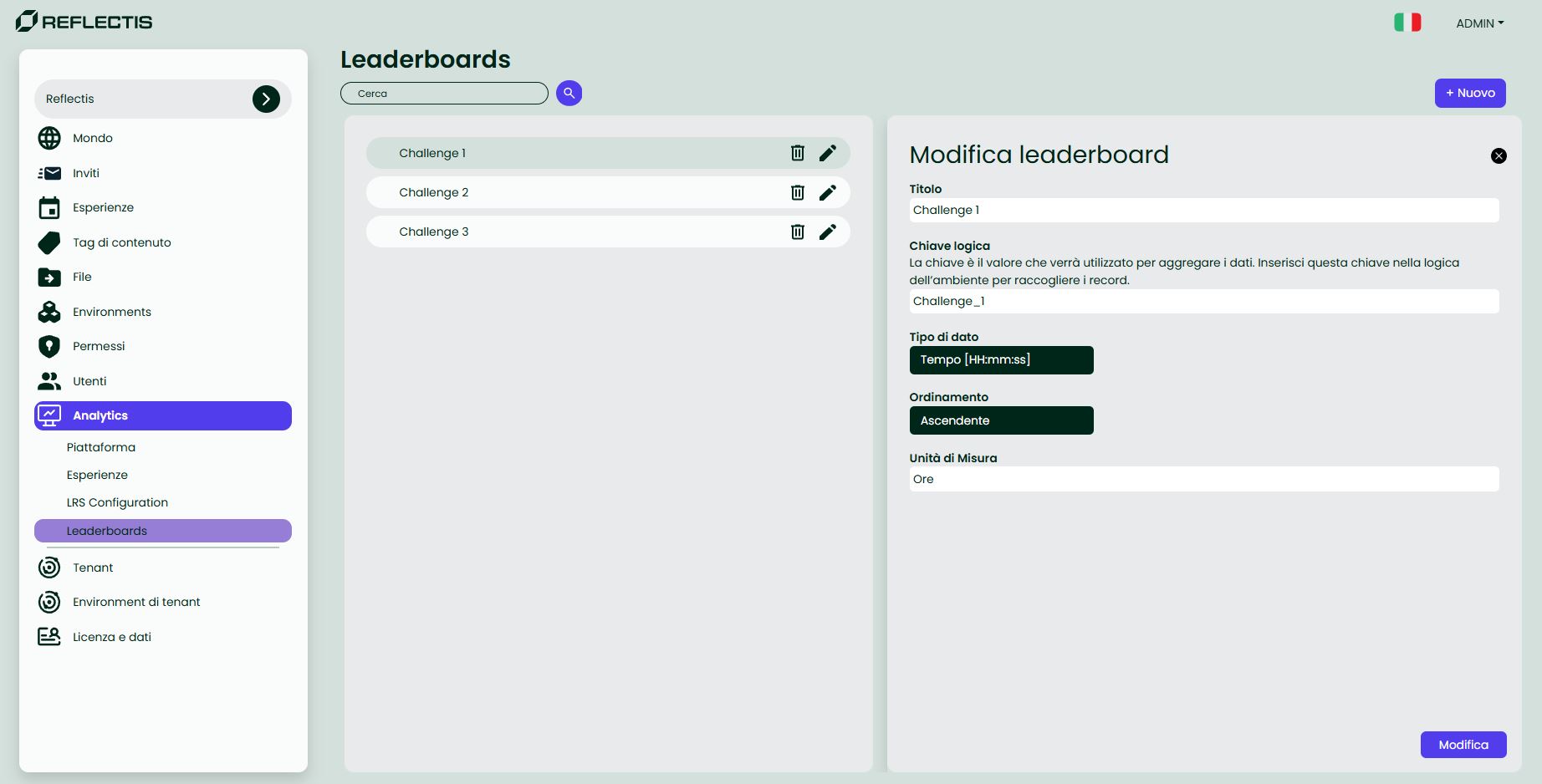
List controls
| UI element | Purpose |
|---|---|
| Search bar | Filter leaderboards by name. |
| Create Leaderboard | Open the creation form. |
| Enable/Disable | Show/hide the leaderboard on the landing page (does not delete data). |
Edit  | Modify the leaderboard fields. |
Delete  | Permanently delete the leaderboard and its scores. |
Create / Edit a Leaderboard
Fill the form with:
| Field | Description | Required |
|---|---|---|
| Name | Public label shown to users. | ✔ |
| Logic key | Unique identifier used by SDK / Creator Kit to write scores to this leaderboard. | ✔ |
| Data type | Score format (e.g., Integer, Decimal, Time [HH:mm:ss]). | ✔ |
| Display order | How the table is sorted: Ascending (lower is better) or Descending (higher is better). | ✔ |
| Unit of Measure | Optional label appended to the score when displayed in the app (e.g., pt, s, min, %). It does not affect storage or sorting. | |
| Enable | Toggle public visibility on/off. |
Important — data key disclaimer
Scores are stored under the Logic key they were written with.
- Changing the Logic key does not migrate historical data; existing entries remain under the old key.
- If your experience starts using a new key, it will write to a new/empty leaderboard.
- Renaming the Name or the Unit of Measure is safe (neither affects data).
- To merge/migrate scores between keys contact support.
How scores are submitted
Experiences send results via Creator Kit nodes or SDK API, referencing the leaderboard’s Logic key configured in Back Office.
What users see (Reflectis APP)
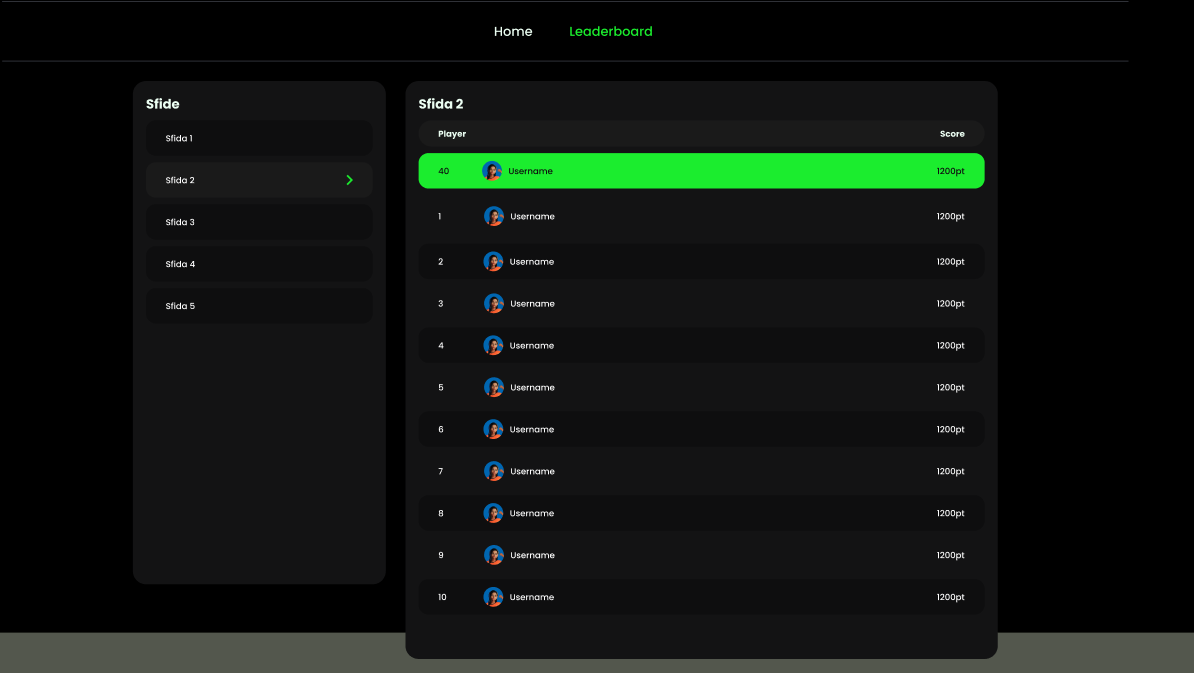
On the world landing page, users can open the Leaderboard view:
- If multiple leaderboards exist, users can switch between them.
- The ranking table is shown using the selected Display order.
- The current user’s position is highlighted, even when not in the Top 10.
- When configured, the Unit of Measure appears next to each score (e.g.,
1200 pt,01:23:45,87 %).
Notes & permissions
- Management is restricted to World Owners or roles with explicit permission.
- Disabling a leaderboard hides it from users but does not delete its data.
- Leaderboards are scoped to the world: each world can have one or more leaderboards independent of other worlds.