Description
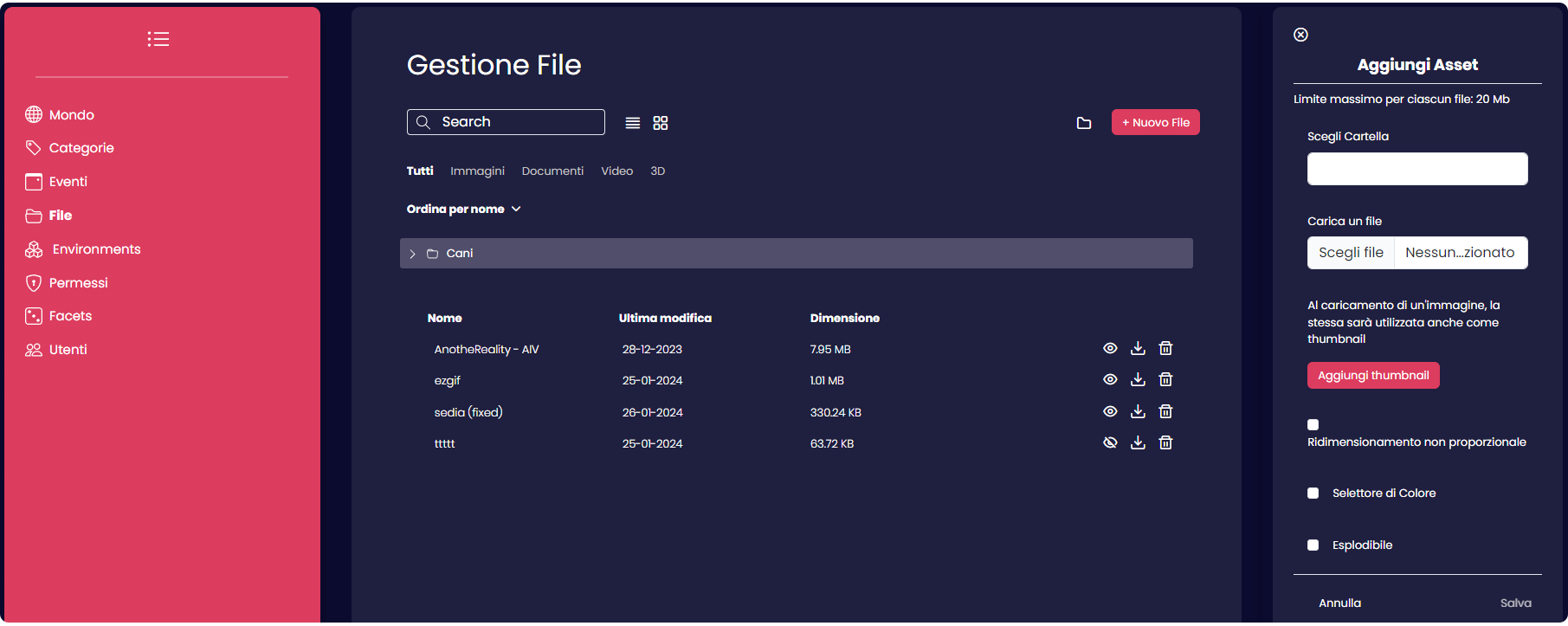
In the "Files" section, users have the capability to configure which assets are available for sharing among all application users. They can organize assets more efficiently by creating folders with distinct names to group them together.
Create a folder
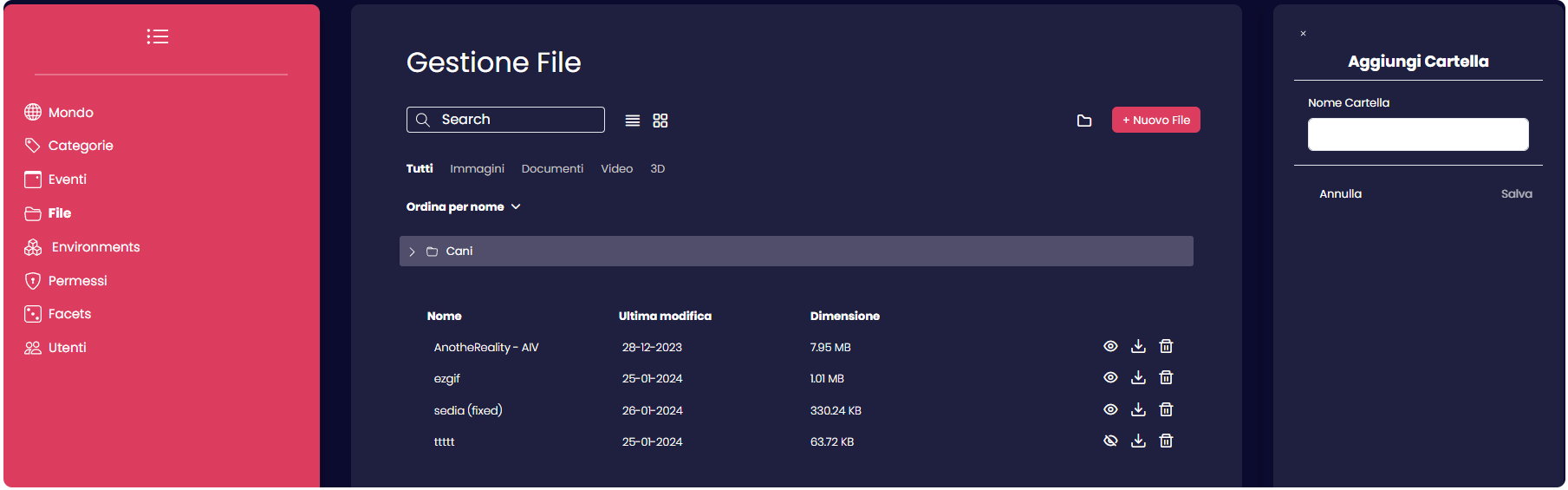
To create a folder, users should click on the folder icon positioned at the top center of the page. A side panel will appear, allowing the user to assign a name to the new folder. After naming, clicking "Save" will list the folder as a usable one.
Note
It's important that empty folders can't persist and will be automatically removed.