Implementation
To use "Visual scripting" package you have to use the graph editor:
-
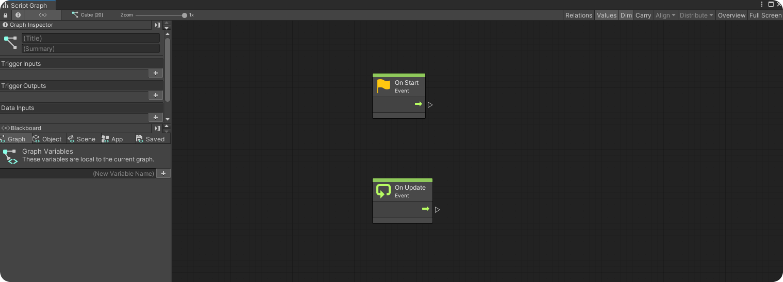
Click "Edit Graph" on the "Script Machine" component to open the Graph editor and start editing the nodes on the graph to obtain the desired behavior
-
When embedded to the object and placed on the scene, the visual scripted behavior will start as "Not Networked"
-
To be able to network the behavior of the object to all the users, the
Visual Scripting Network Event Placeholderis needed. Without it the interactions made with the graph editor will be visible only to the client and not the rest of the server.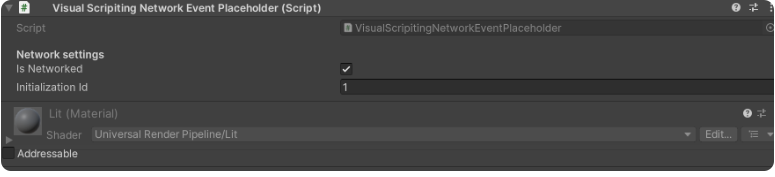
When the graph and the logic is ready, the object and the scene can be built as addressable and sent to become a world inside the application by using the Back Office’s world upload portal.