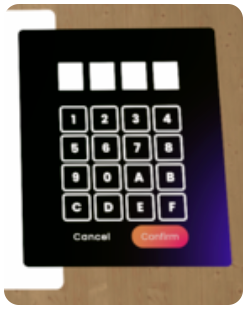
VR Pairing
After you have successfully installed the Reflectis application via VR, you can start the application.
For security reasons, the first time you log in, you must perform a pairing between the web page you are logged in to and the application via VR.
To do this, you will need to follow 5 simple steps:
-
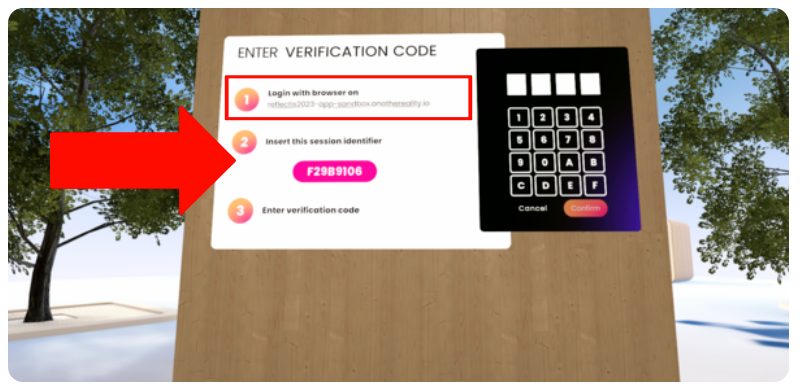
Launch the Reflectis VR application and select Start from the interactive panel in front of you. Take note of the alphanumeric code that appears afterward, as you will need it to pair the device with the PC platform.
-
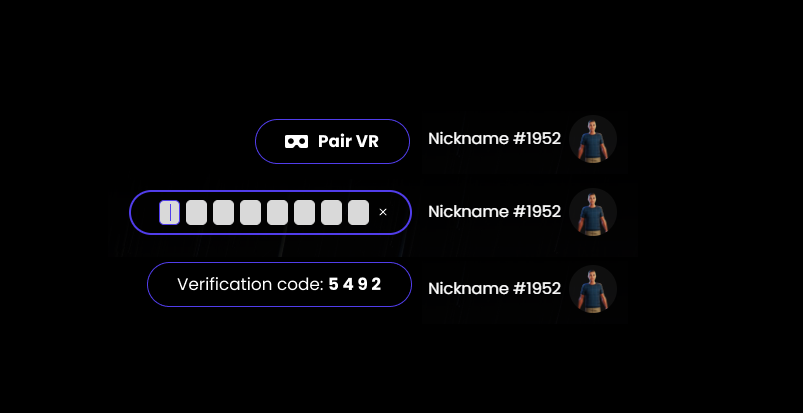
From your PC, go to the Reflectis landing page and click the Pair VR button located in the top right corner of the screen.
-
An input field will appear, allowing entry of the pairing code displayed on the VR headset.
-
Enter the code from the VR headset into the input field and confirm.
-
The platform will then generate a verification code. This code must be entered into the VR headset to complete the pairing process.
-
Enter the second code into the VR headset to complete the pairing process.