VR Pairing
After you have successfully installed the Reflectis application via VR (see the section VR Device Setup), you can start the application.
For security reasons, the first time you log in, you must perform a pairing between the web page you are logged in to and the application via VR.
To do this, you will need to follow 5 simple steps:
-
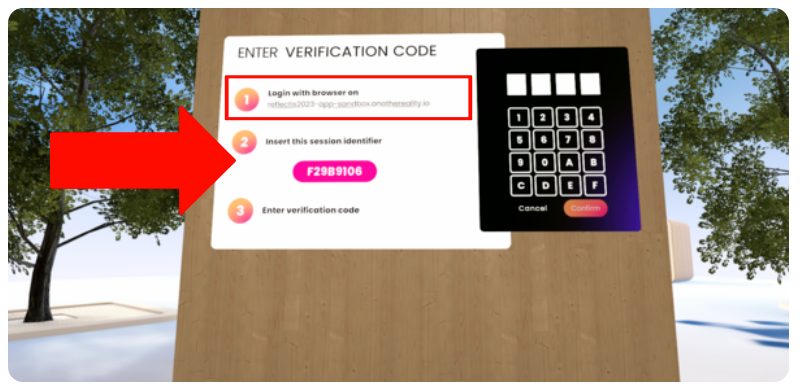
Open the Reflectis VR application and click "Start" in the interactive panel in front of you. Mind the number and letters combination that appears afterwards, you need it to pair the device with the PC platform later.
-
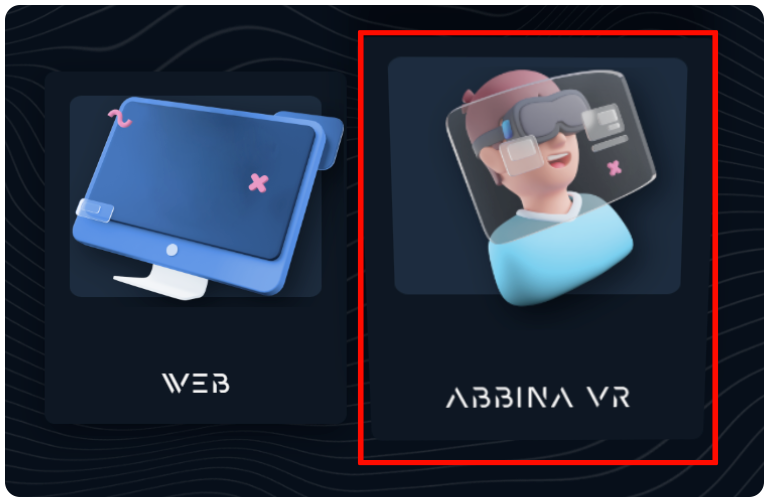
Now, from your PC, go to the Reflectis landing page and select the "Pairing VR" option.
-
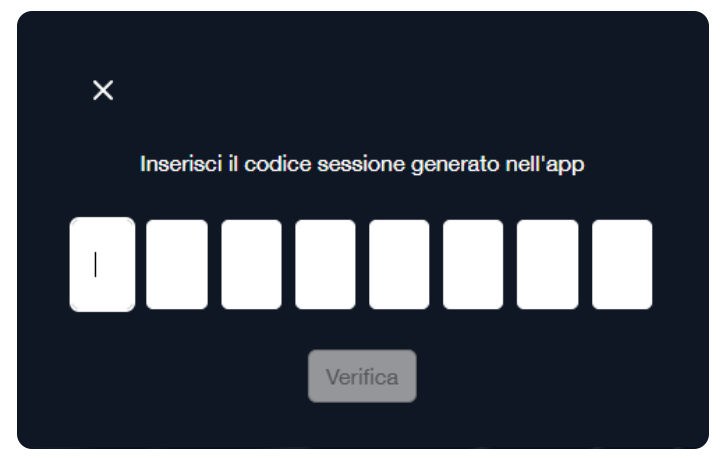
The new interface that appears requires you to write the code shown in the VR application.
-
If correctly written, the Web page will answer with another code that needs to go in the VR application.
-
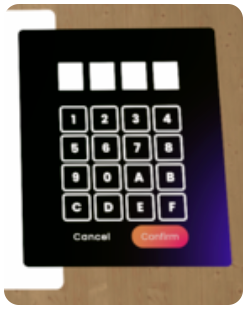
Write the second code on the VR num-pad and confirm.
-
If everything has been done correctly then congratulations, you are now entering the Reflectis VR application!