VR Mapping
This single node needs a specific setup to become usable. As the others, this node works only after click on "Setup Visual Scripting Nodes" under the "Reflectis" option in the menu bar.
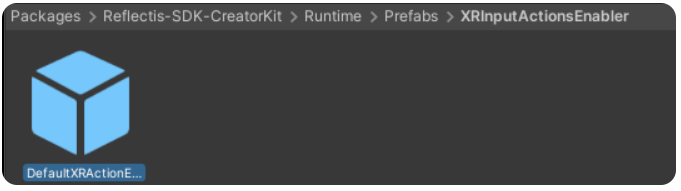
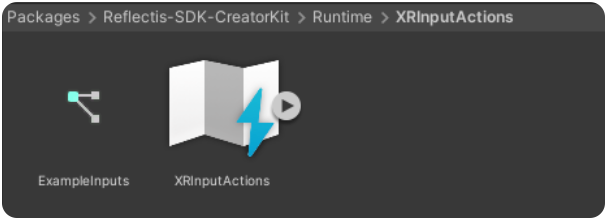
The last setup is to add to the scene the prefab called "DefaultXRActionEnabler", that you can find inside the Reflectis SDK Creator Kit package.
Input Action Reference Node
This single node allows to reference any button mapped in both VR controllers to work as triggers for the events associated through visual scripting.

The list of the possible controller actions referenceable is the following:
| Left Controller | Right Controller |
|---|---|
| LeftController_PrimaryButton | RightController_PrimaryButton |
| LeftController_SecondaryButton | RightController_SecondaryButton |
| LeftController_GripButton | RightController_GripButton |
| LeftController_TriggerButton | RightController_TriggerButton |
| LeftController_AnalogicMove | RightController_AnalogicMove |
| LeftController_AnalogicTouch | RightController_AnalogicTouch |
| LeftController_AnalogicClick | RightController_AnalogicClick |
| LeftController_MenuButton | RighController_MenuButton |