Tag
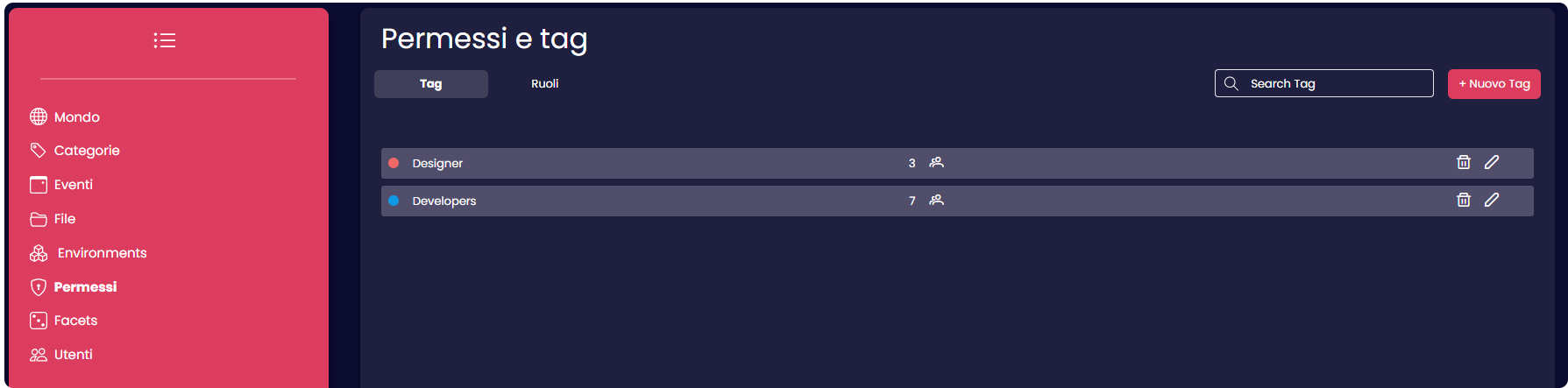
Tags are employed to identify and group users more efficiently. These tags can be linked to a limited number of permissions that regulate users' abilities, determining which actions they are allowed or prohibited from performing, and which tools they can manage.
Create a tag
To create a new tag users can click the "New Tag" button, situated at the top right corner of the screen.

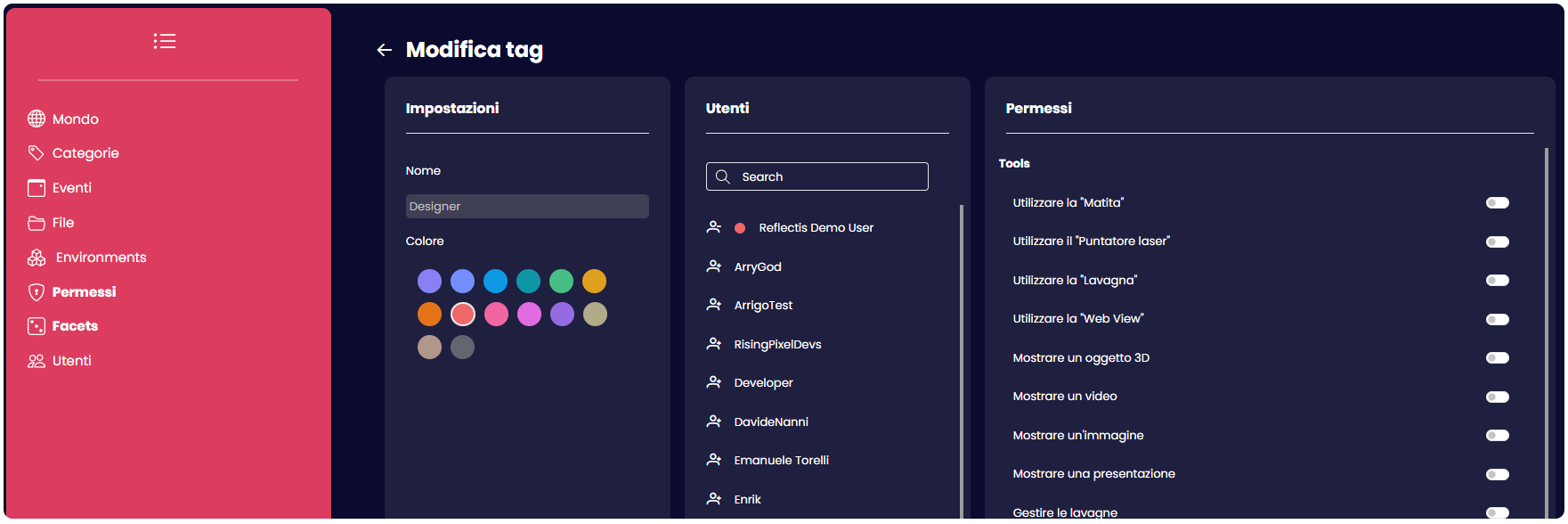
This will open up a new window with three sections.
- The first section manages the name and the color of the tag itself
- In the second section it's possible to associate the tag to specific users, or remove them
- The third section it's where the permits and powers are associated with that tag.