Synced Event Nodes
In order for the synchronized variables to actually be displayed by other users, it’s necessary to use events in the "Synced Object" script, as explained here.
Synced objects
The event nodes are as follows:
-
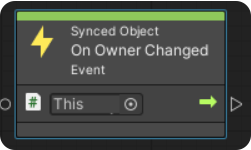
"On Owner Changed" - is called when the user becomes the owner of the object. In the example below, the event is only called when the ownership request is successful, in which case it can execute the "Set Local Position" instruction on the object.
-
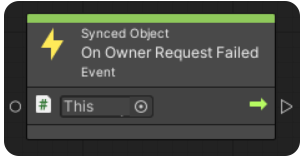
"On Owner Request Failed" - is called when the ownership request fails, due to external problems, such as at the server or roles.
-
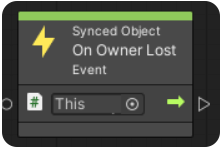
"On Owner Lost", is called when the user loses ownership, because it has been assigned to another user.
Synced variables
Regarding synced variables, there are 3 event nodes, which can be called in the node graph:
-
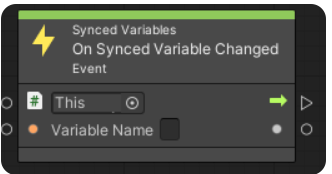
"On Synced Variable Changed" - is called when the value of the variable, with the same name written in "Variable Name", has been changed. In addition, the variable will be synchronized only because of this event, otherwise the change will occur only locally.
NoteIf a change to a variable is called, but the value remains the same, then this event will not be called.
-
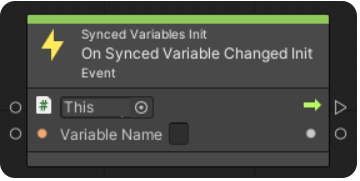
"On Synced Variable Changed Init" - is called at scene initialization, only if actual changes of the recalled variable in "Variable Name" have occurred. This node is called only if the user isn’t the creator of the room and enters later, and is used to call back any instructions executed at the time of the variable change. (e.g. starting a sound or changing a score).
-
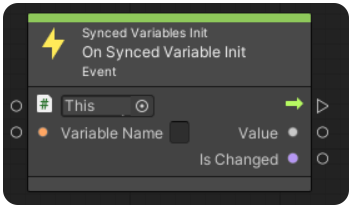
"On Synced Variable Init" - is called at scene initialization for each user entering the room. This node shows the value of the variable specified in the variable name field when entering the room, and shows if that variable has been changed at least once from the starting values in the scene.