Test the experience
After publishing a scene, it’s time to test it. Once the environment has been successfully uploaded, it will appear as a selectable environment when creating an event.
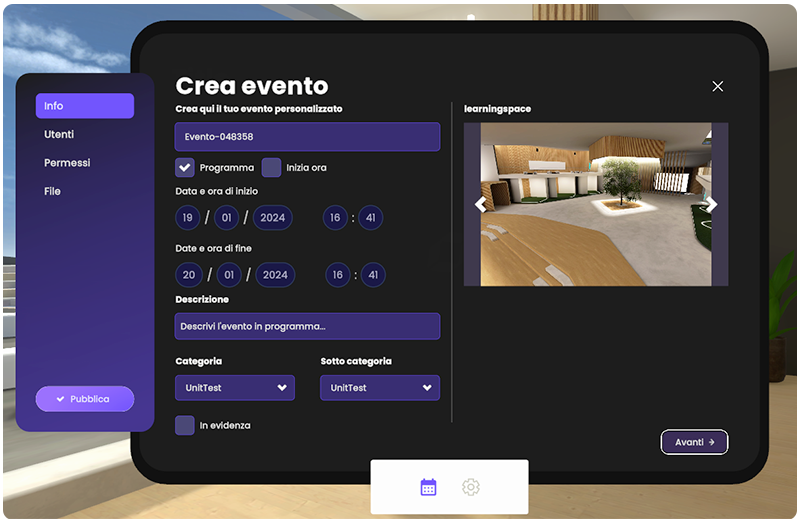
When you are in the platform, you can test your environment by entering an event created from the Back Office site, or by creating it directly from theplatform in the "Events" section on the tablet.
How to interact
Different platforms interact with the world in different ways:
-
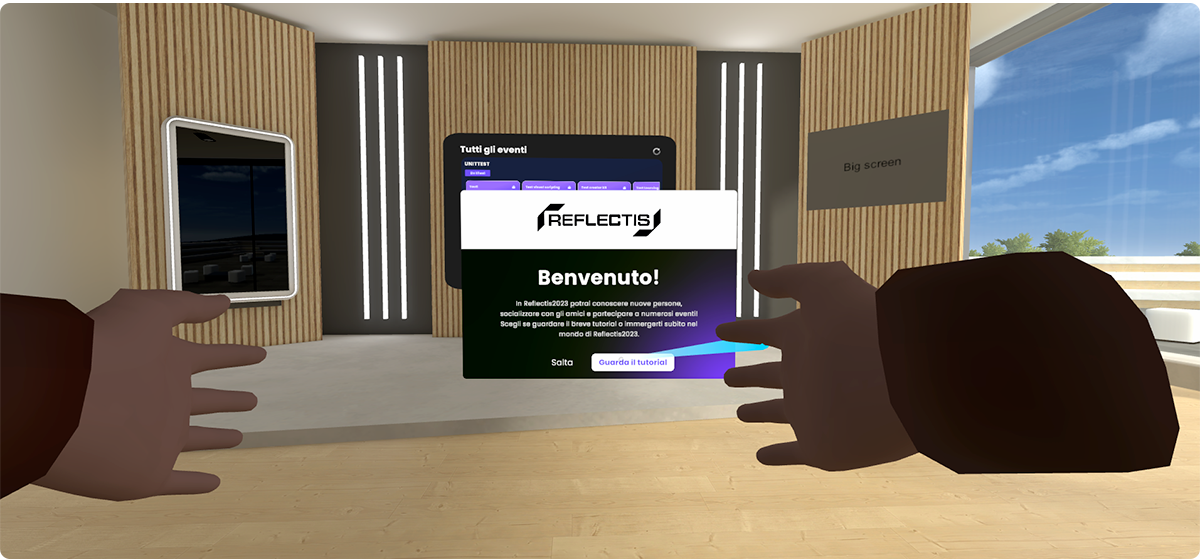
VR - Using the Pointer & Trigger button
- Point the controller toward the desired object
- A blue ray will appear from the controller toward the object (only for interactable objects)
- Press the trigger button on the back of the controller to select it and interact with it.
-
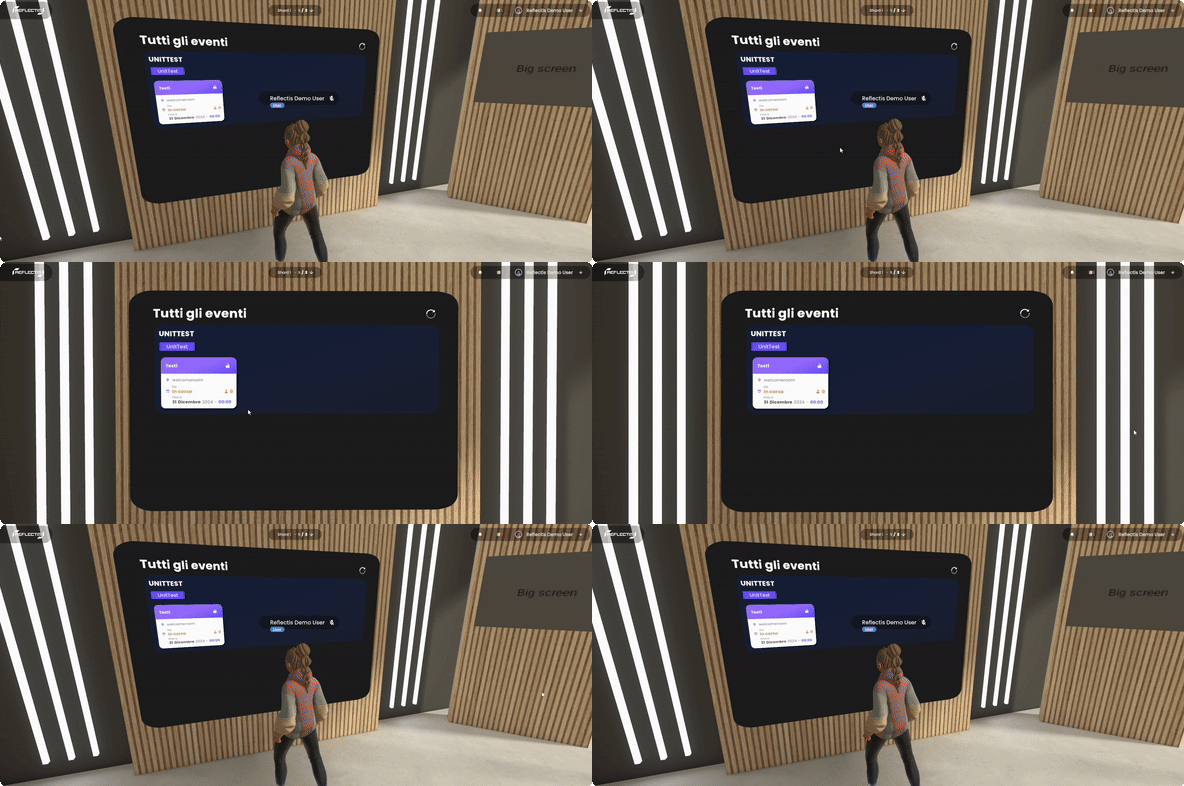
WebGL - Left Button Click on the interactable objects
- Move the mouse cursor over an object
- Press the left mouse button to interact with it.
Now you have all the basics to create your own worlds in Reflectis!