Description
The "Events" serve as the primary focal point within the application. An event is a distinctive 3D environment featuring specific interactions and mechanics, accessible to users for a designated time period through the application.
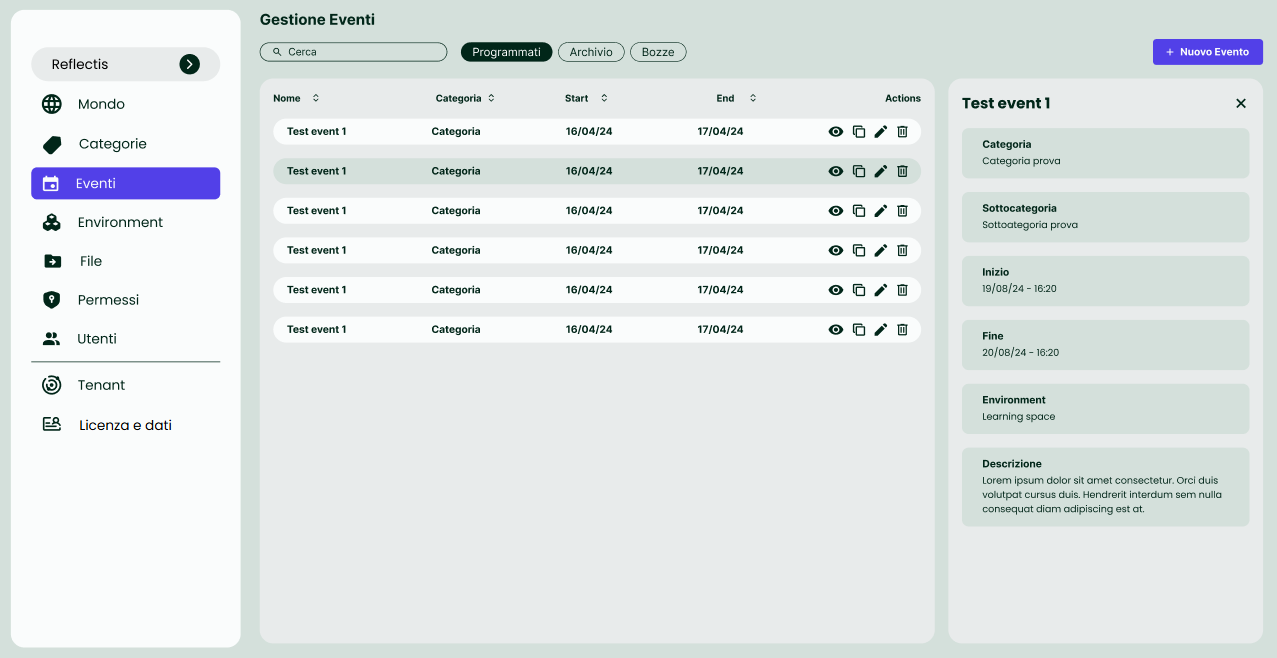
The options displayed for events in the event page can vary depending on how the events were initially configured. They are:
- Default event

- Edit event

- Enable/Disable event

- Duplicate event

- Delete event

- Publish event

To initiate the process, users are required to select the button labeled + New Event, situated at the top right corner of the screen.
This action will prompt the opening of a new series of windows.